
Table Contents Page: T8
Anatomage Table 8 Update: The Full List of Added Content and Features (2021)
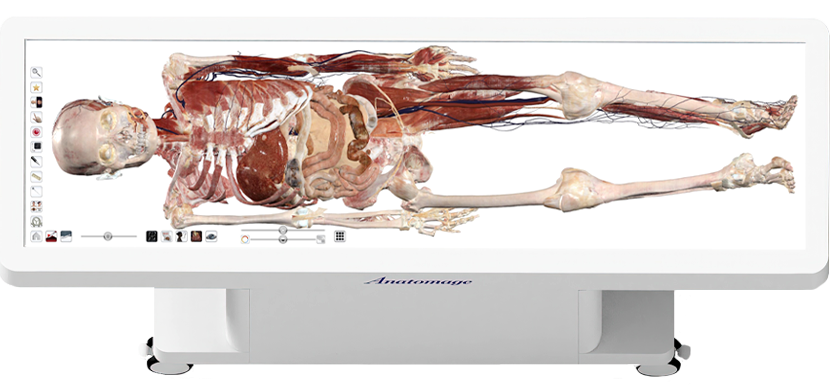
For over a decade, Anatomage has continuously expanded and refined the content of the Anatomage Table, delivering the most advanced reconstructions of real human bodies, uniquely augmented by dynamic simulations in functional anatomy and clinical procedures. Each annual update builds on the previous generation, adding new cadavers, real-anatomy-based physiology, clinical procedures, pathological cases, and interactive learning experiences designed for medical education and training.
Anatomage Table 8 introduces new physiology simulations, alongside user interface improvements.
Anatomage Table 8: New Content and Features
Release date: 2021
Main Toolbar
Open File:
- Within the list of previous CT/MRI scans you have recently opened, you can now clear these files either individually or as a group.
- Newly added PACS study date column in recently opened cases.
Gross Anatomy:
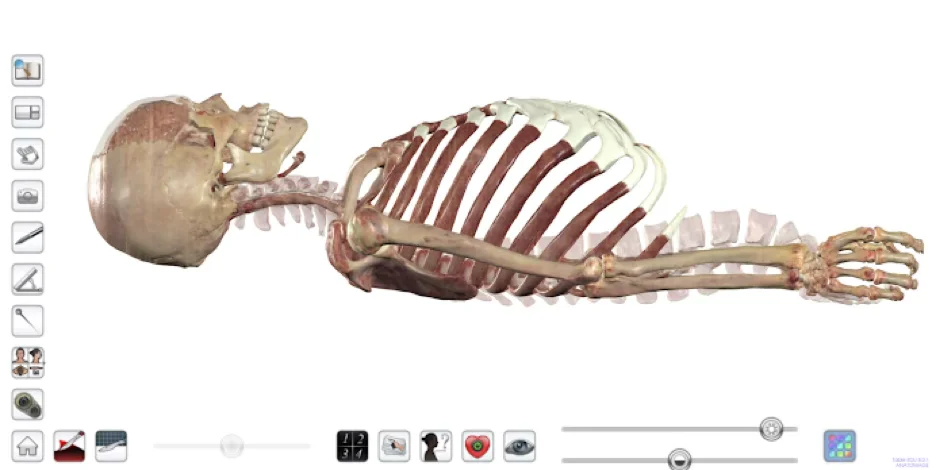
- Female Asian Cadaver’s muscles and bones were updated to improve anatomical accuracy.
- New more realistic rendering applied to all full body cadavers.
High Res Regional Anatomy:
- New more realistic rendering applied to all scans.
- Addition of regional scans include the following:
- Higher Resolution Female Brain – 0.12, 0.12, 0.2 (mm)
- Higher Resolution Female Ear – 0.08, 0.04, 0.05 (mm)
- Higher Resolution Female Eye – 0.08, 0.08, 0.05 (mm)
- Fetus Segmented Scan – 0.24, 0.24, 0.24 (mm)
Physiology:
- Additional “Physiology” scans have been added.
Case Library:
- New UHQ renderings available for case library scans
- CT Scans: Citrine, Marble, Aquamarine, Topaz, Amethyst, and Turquoise
- MRI Scans: Pearl, Quartz, Amber, Opal, Jasper
Physiology
Pregnancy
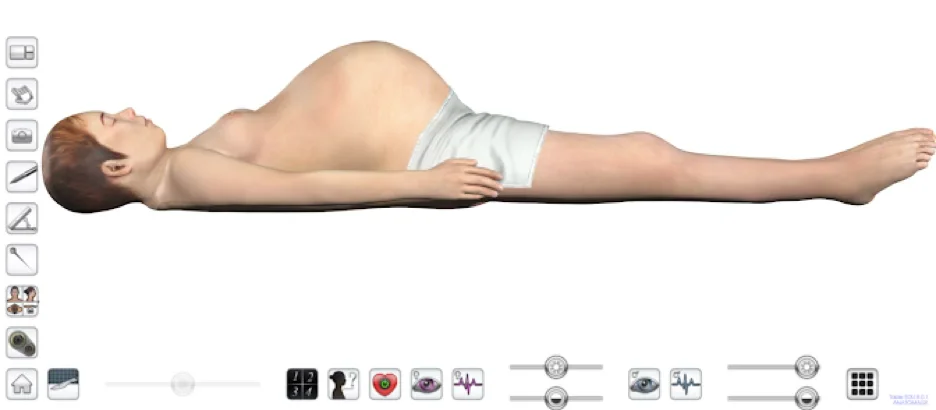
- Visualize our Female Body 31-weeks pregnant. The fetus is modeled after real MRI data for anatomical accuracy.
- Turn on/off structures for the mother
- Turn on/off structures for the fetus
- Turn on/off heart motion for the mother
- Turn on/off heart motion for the fetus
Kinesiology
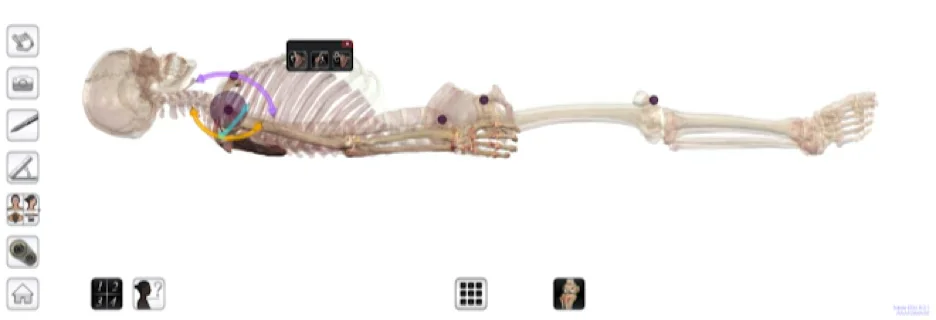
- Play through motions of the shoulder, hip and knee.
- You can choose to play through the motion on the motion menu, or directly on the Table by dragging the arrow of a motion.
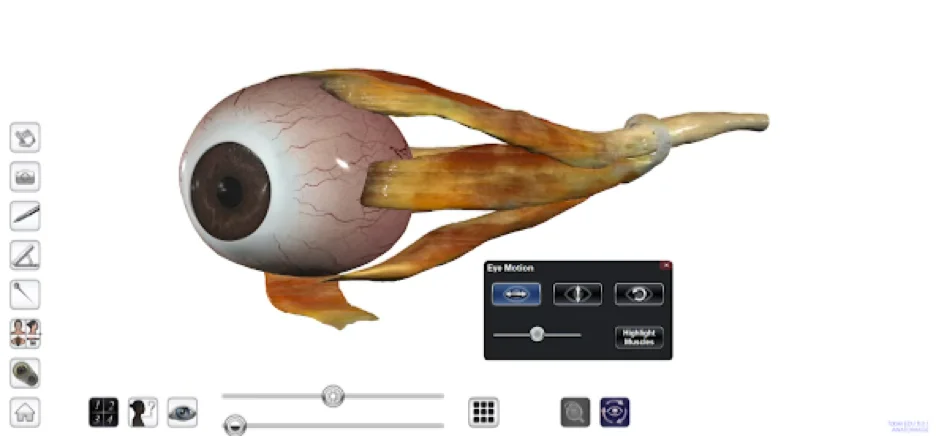
Ocular Applications
- Play through ocular motions and view how the extraocular muscles move the eye.
- Adjust optic functions to view how the physical eye and eyesight changes.
- Watch how eye structures move as different slider settings are applied such as lens deformation and flexibility, pupillary response, astigmatism and more!
- Apply glasses and adjust settings to view corrections.
- View an eye chart that will adjust to eye settings you select.
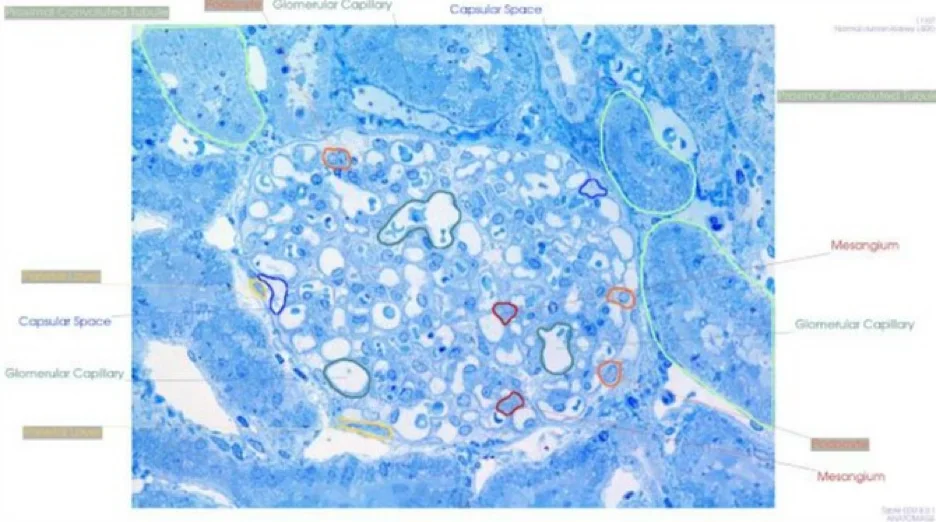
Histology:
- For 100 slides, interactive drawings can now be turned on outlining regions of the slide.
Prosection:
- Measurement tools have been added.
- New multi state dissections available with slider bar.
Changes and Additions to Current Icons and Tools
Learning Assistant
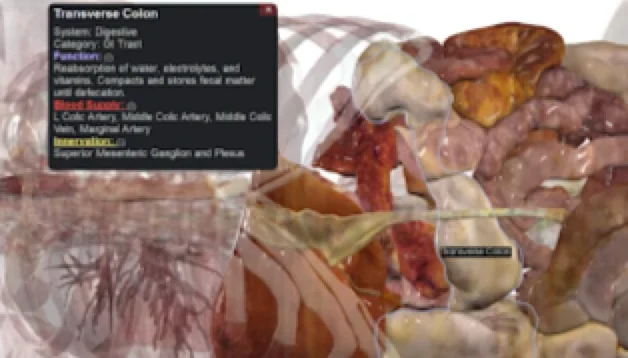
When Learning Assistant is enabled, you can tap on a structure to see relevant information. When opening a scan, Learning Assistant is enabled by default. You can disable this through the property menu (gear icon). Only available in Gross Anatomy.
You can expand the Learning Assistant dialog to see more information about a structure. Clicking on underlined titles will show you relevant visual changes in 3D.
Live Mode
Through this icon, you can enable features that bring the cadavers to life. When opening a scan, this is on by default, but you can disable this through the property menu (gear icon).
- Eye Tracking: Watch the cadaver’s eyes follow your finger. Only available in Gross Anatomy.
- Heart Motion: The cadaver will have a beating heart. Only available in Gross Anatomy.
- Blood flow: Through the arteries and veins and heart. Only available in Gross Anatomy and High Res Regional scans.
Pointer Tool
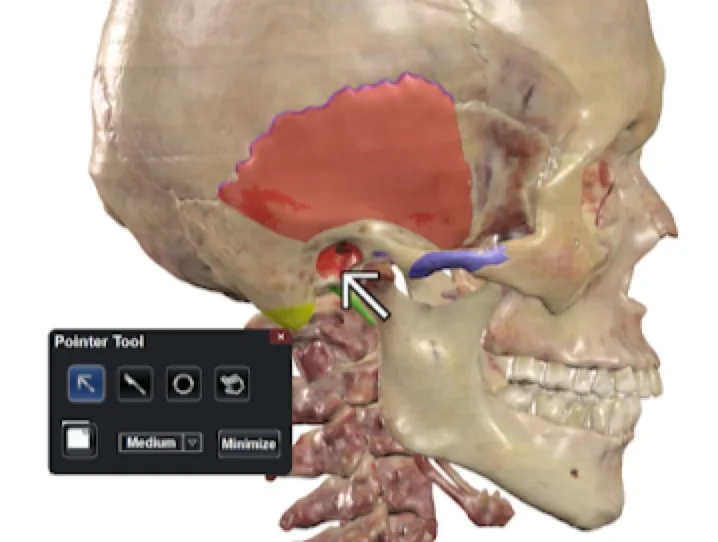
Point out specific areas of a scan by using the tools in the pointer tool.
Orientation Icon
You can now rotate the scan 90 degrees.
Pen Tool
You can now change the size of the eraser stroke in pen settings.
Color Options
Updated color options for structure flat color, pen color, as well as pointer tool color.
Prosection and Case Library Shortcuts
You can now access the full menu of Prosection and Case Library files from within the scan as well as the main menu.
Quiz Mode
New sounds added upon answering a question, skipping a question, and finishing a quiz.
Please note that the Anatomage Table does not come with speakers. You can connect USB or Bluetooth speakers to your Table to use this feature.
Structure Pronunciation
Enable to have Table read structure names aloud when selected.
Please note that the Anatomage Table does not come with speakers. You can connect USB or Bluetooth speakers to your Table to use this feature.
Reorganization of icons