

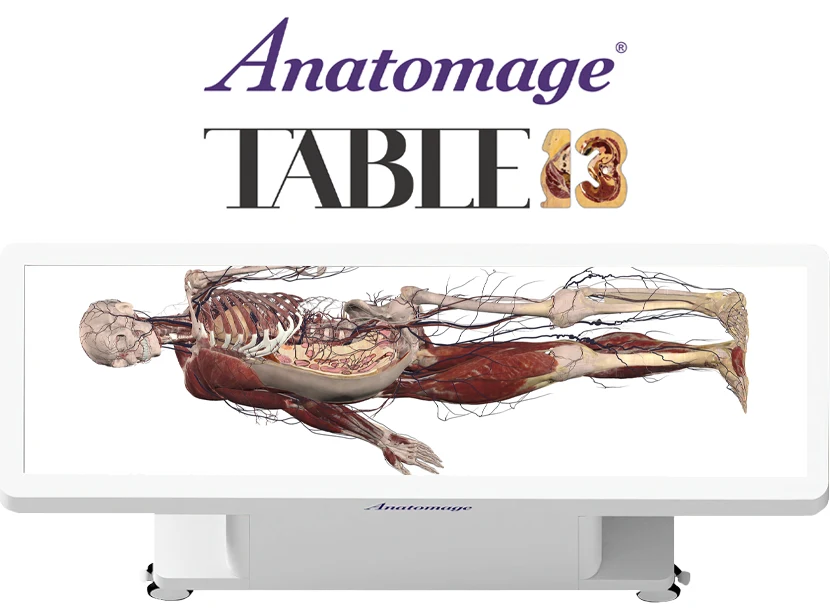
Anatomage TableEDU 13 Update

Online Update Instructions

Connect your Table to the internet and download the online installer to update your Table.

Please note this option is the fastest method to update your Table and is highly recommended!

Connect your Table to the internet and download the online installer to update your Table.

Please note this option is the fastest method to update your Table and is highly recommended!

  • Step 1: Submit a request form to receive an email with the online installer link. Please allow up to 5 business days for our team to process your request.
  • Step 2: Once you receive the installer link, follow the instructions provided to download the installer onto your Table and complete the update.

For Offline Updates

Connect your Table to the internet and download the online installer to update your Table.

Please note this option is the fastest method to update your Table and is highly recommended!

We have made changes to the offline software update process. If your Table can connect to the internet, we highly recommend updating your Table software online.
  • Anatomage will now provide a link to download the offline installer package.
  • You can create your own offline installer media by downloading the package onto a USB or external hard drive.

Download Online Instructions

To update your Anatomage Table, submit an online request and download the online instructions below.

FAQs

Is the update free?

Yes, software updates remain available free of charge through supported online and other update methods, whether you are updating from Anatomage Table 12 or any previous Anatomage Table software version.

  • Any Table shipped on or after 05/2021 (RTX 3070 GPU or newer) can fully support the latest update.
  • Any Table shipped between 01/2019 and 05/2021 (RTX 2070) that has not had a hardware upgrade can support the update, but may see lowered software performance due to the age of the graphics card. Reach out to training@anatomage.com for questions about hardware performance.
  • Any Table shipped before 01/2019 (GTX 1080 GPU or older) that has not had a hardware upgrade must be updated in order to support the latest software. Email info@anatomage.com to inquire about updates required.

This release is only for the full anatomy software on the Anatomage Table Classic, Convertible, and Clinical models and does not include any of the configurations listed above.

Yes. While complimentary update USBs will no longer be provided, you can create your own offline installer media by downloading the free software update onto a USB or external hard drive. Please review the offline request form for more options.